
Learn
Short videos, decks and one-page references on how Operating Studio works.
- Eleven videos in two tracks
- 2–5 minutes each
- Captions and full transcripts
What you’ll learn
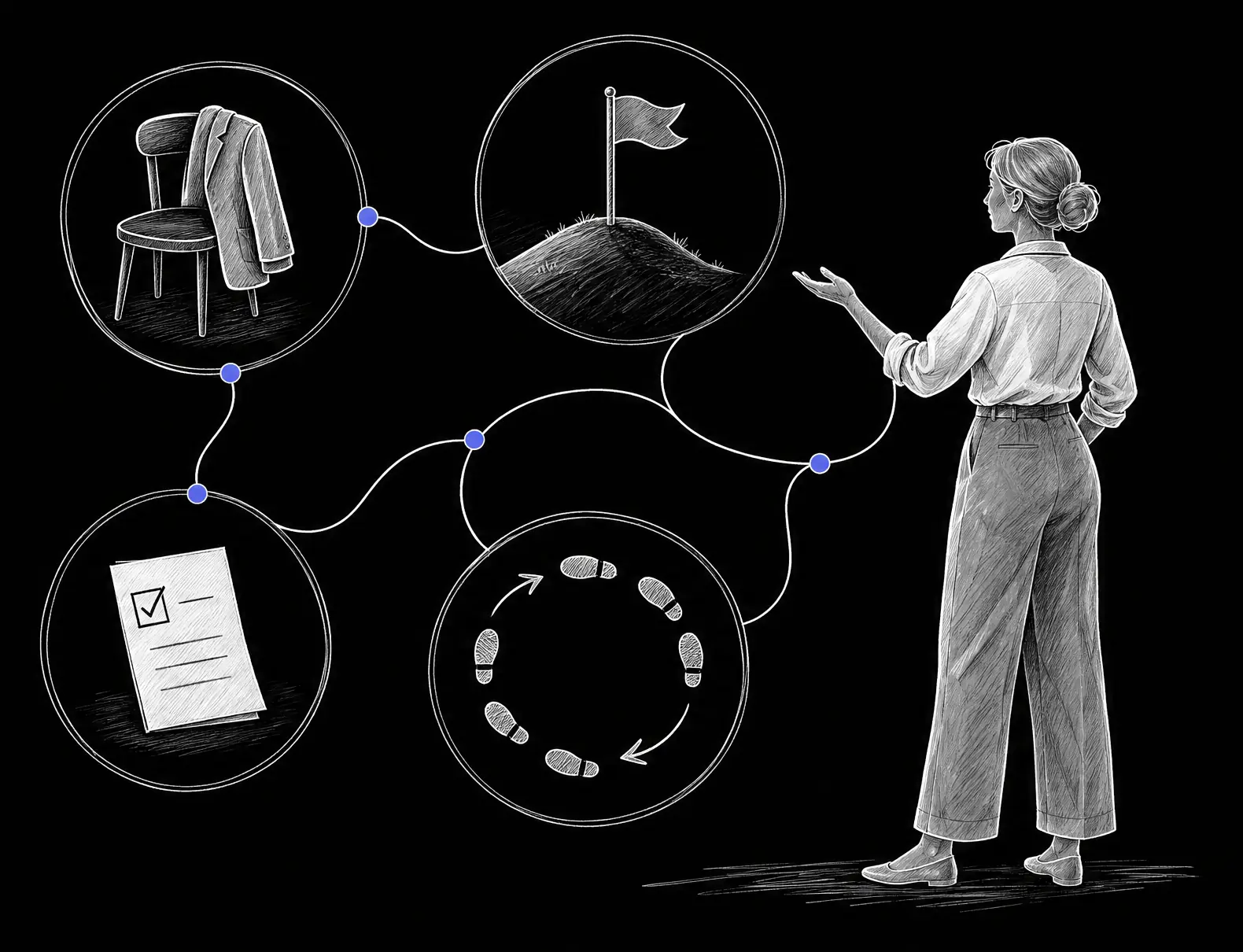
How the pieces fit. Roles hold responsibility, Projects are outcomes, Tasks are next actions, and a Workflow is the repeatable way to reach an outcome.
Ownership. Read a Role's Purpose and Accountabilities, and raise a Gap with the Governor when the work and the Roles don't match.
One system. Name outcomes as Projects and next actions as Tasks, capture new thoughts with Quick Capture, and start and end each day in My Work.
Mind sweep. Get everything you're responsible for out of your head and into Operating Studio, Role by Role and inbox by inbox, with a worksheet to prepare.
Collaboration with visibility. Ask with a Request that names the Role, talk in Comments and mentions instead of side-channels, and know who can see a Private Project.
Documented processes. Write down the work you repeat as a Workflow, whose Checklist becomes Tasks every time you apply it.
Chief of Staff. Message it in Slack to organize your work and keep your Roles clear. It proposes; you decide.
How each video works
- ContextThe problem, in everyday terms.
- The ideaHow Operating Studio handles it, and the words it uses.
- A scenarioThe idea at work at Ledgerline Advisory, a fictional bookkeeping firm.
- WalkthroughThe same steps, in Operating Studio.
- RecapThe few points to keep.
Principles1
Getting started10
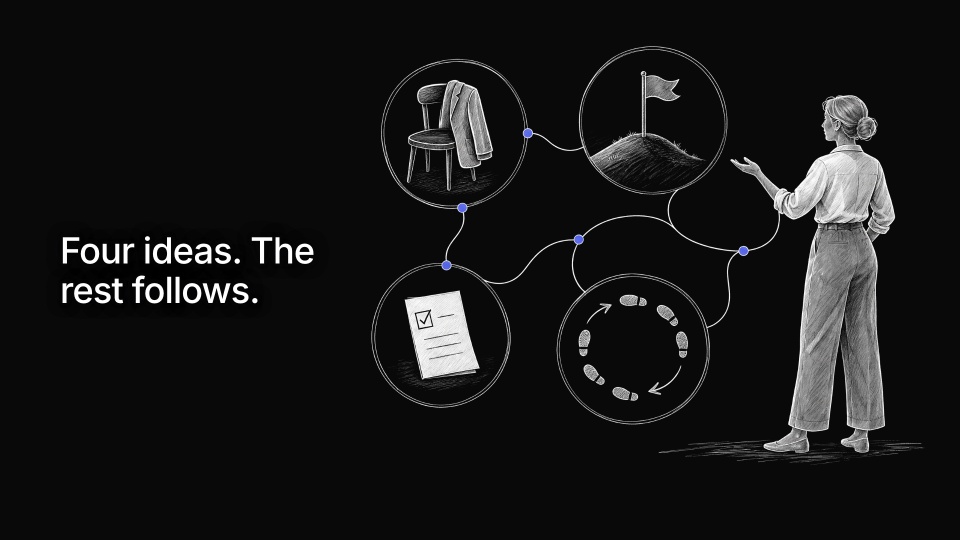
- Roles, Accountabilities and the GovernorWho owns what, written down: how Roles, Purposes and Accountabilities work, how a Gap gets fixed, and why the Governor keeps the map true.Duration 5:21Duration 5:21
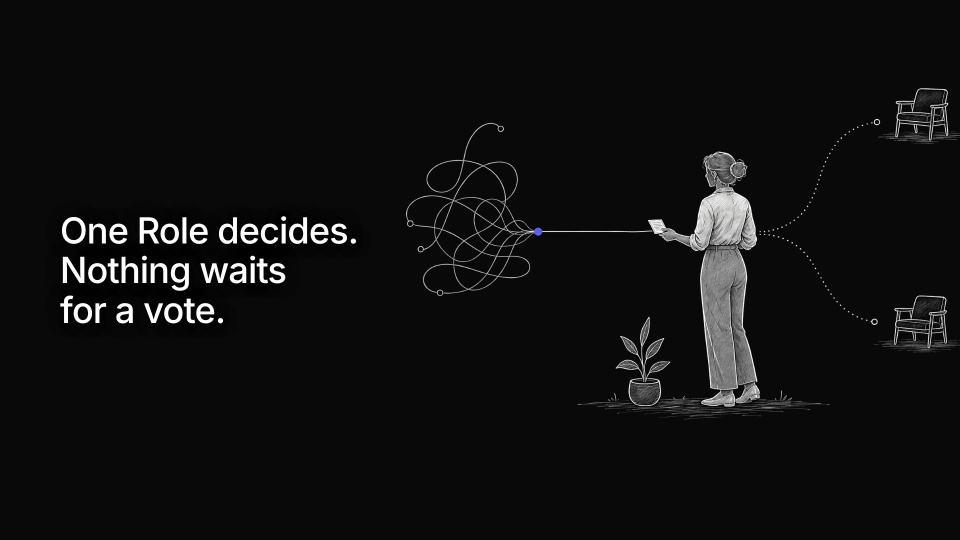
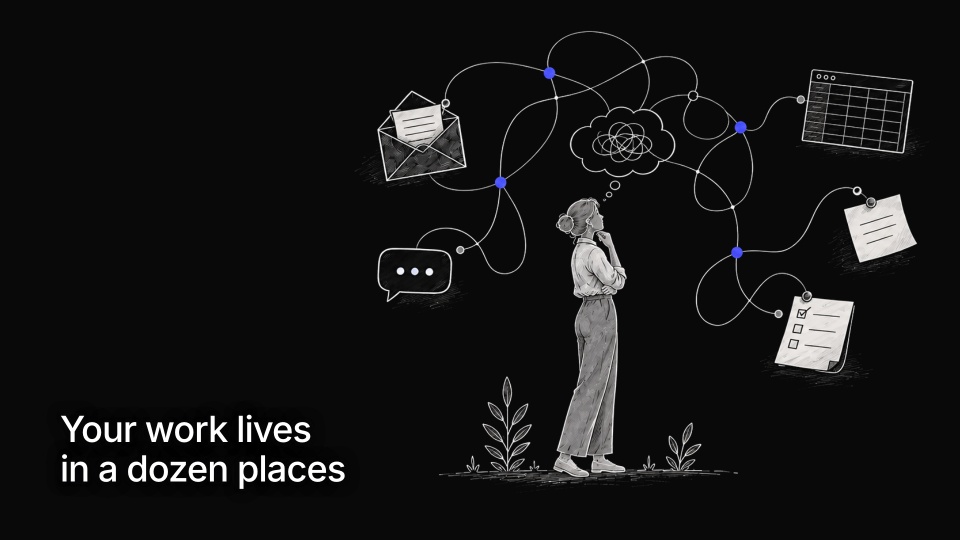
- Projects and Tasks: no hidden workKnow where every piece of your work lives: outcomes as Projects, next actions as Tasks, nothing hiding in Slack, email or a meeting.Duration 4:39Duration 4:39
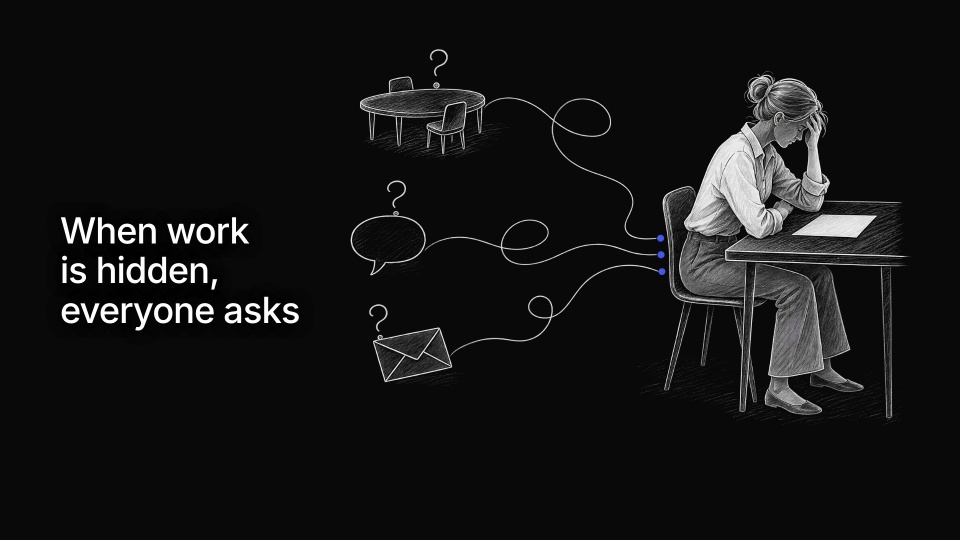
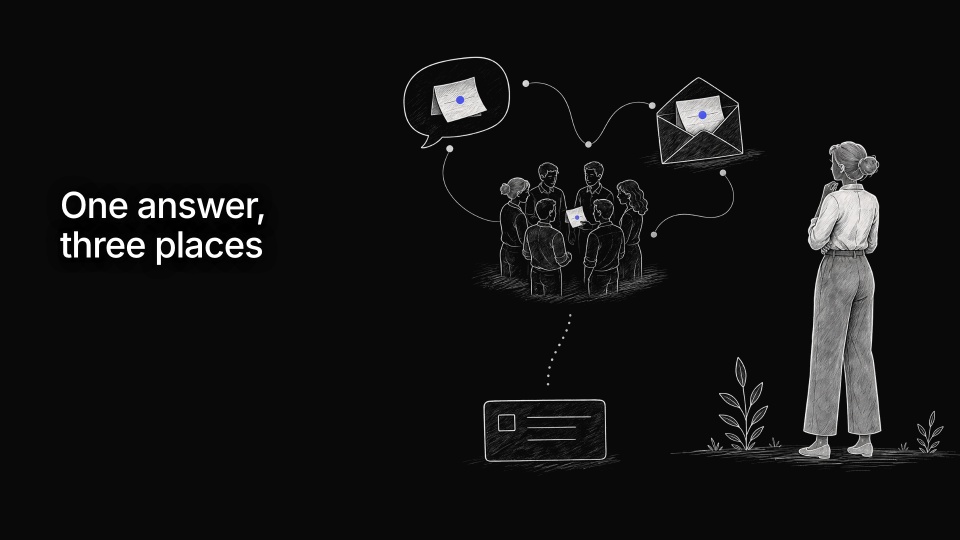
- Asking for work: RequestsAsk a teammate for work without deciding it for them, and why naming the Role matters more than naming the person.Duration 4:48Duration 4:48

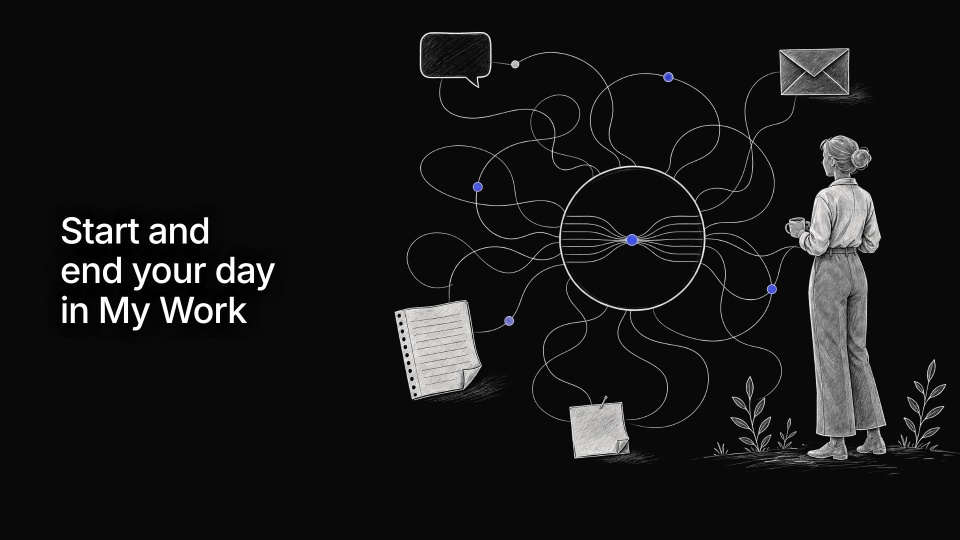
- Navigating My WorkStart and end every workday in one place: process what came in, do what's in Focus, and check what you're waiting on.Duration 4:20Duration 4:20
- Workflows: write down the work you repeatTurn the work you do over and over into a Workflow, so every step happens every time, and agents have somewhere to start helping.Duration 4:35Duration 4:35
- Your Chief of Staff in SlackMessage your Chief of Staff in Slack to organize your work, keep your Roles clear, and decide every change yourself.Duration 4:17Duration 4:17
- Your first mind sweepGet everything you're responsible for out of your head and into Operating Studio, Role by Role and inbox by inbox, with a printable checklist to prepare.Duration 5:00Duration 5:00
- Quick CaptureGet anything out of your head and into Operating Studio in five seconds, then decide what it is later.Duration 2:30Duration 2:30

- Private Projects: who can see whatKnow exactly who can see a Project, and how to change it.Duration 3:34Duration 3:34
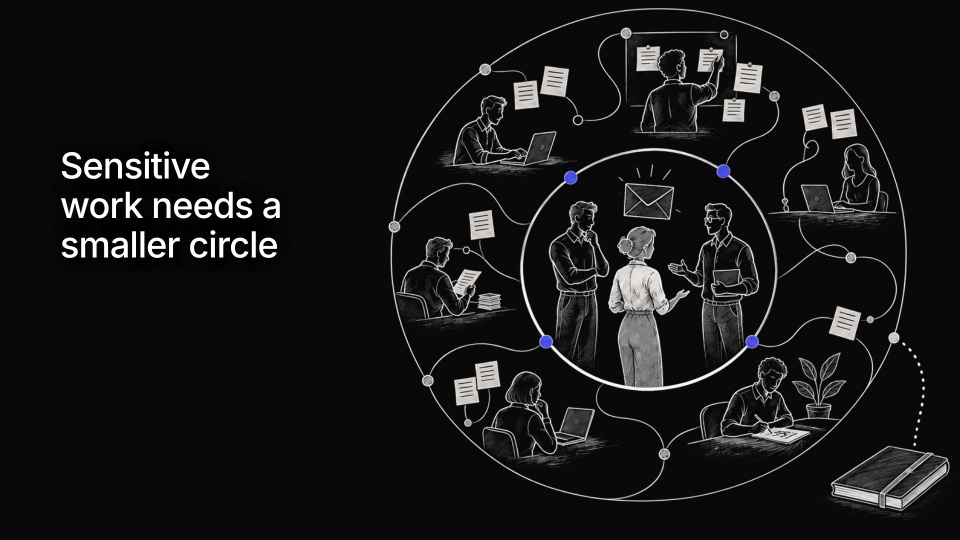
- Comments, mentions and followingWork together in the work itself instead of in side-channels: comment on a Task or Project, bring people in with a mention, and choose what reaches your Inbox.Duration 3:53Duration 3:53
Decks4
- GTD basicsThe GTD method on one page, in Operating Studio's words: capture, process, organize, review and engage.One-pager · PrinciplesOne-pager · Principles
- Design the company behind the workSee how Accountabilities, Role-owned Workflows, finite Projects, Tasks and optional Agent delegation fit together.Deck · PrinciplesDeck · Principles
- Roles, Accountabilities, and GapsShare one language for who owns what: Roles, Accountabilities, and the Gaps that keep them true to the work.Deck · Roles & governanceDeck · Roles & governance
- Governance cheat sheetThe governance words, how the Governor resolves a Gap, and answers to the questions teams ask first.One-pager · Roles & governanceOne-pager · Roles & governance